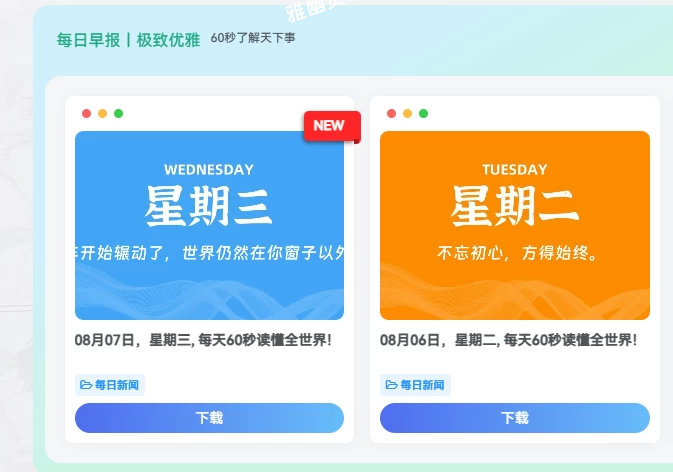
//新文章发布角标
function add_new_label_to_post_title($title, $id) {
    if (!is_admin() && !is_single()) {
        $post_time = get_the_time('U', $id);
        if (time() - $post_time <= 24 * 60 * 60) {
            $title .= ' <div class="new-icon">NEW</div>';
        }
    }
    return $title;
}
add_filter('the_title', 'add_new_label_to_post_title', 10, 2);
/*新文章发布图标样式*/
.posts-item{
    position: relative;
    overflow: visible;
}

.new-icon{
    position: absolute;
    top: 15px;
    right: 0;
    padding: 5px 10px;
    background: #ff2626;
    box-shadow: -1px 2px 4px rgba(0, 0, 0, 0.5);
    color: #fff;
    font-size: 13px;
    font-weight: 900;
    border-radius: 5px 0 0 5px;
}

.new-icon:before {
    position: absolute;
    content: " ";
    display: block;
    width: 7px;
    height: 110%;
    padding: 0 0 7px;
    top: 0;
    right: -7px;
    background: inherit;
    border-radius: 0 5px 5px 0;
}

.new-icon:after {
    position: absolute;
    content: " ";
    display: block;
    width: 5px;
    height: 5px;
    background: rgba(0, 0, 0, 0.35);
    bottom: -3px;
    right: -5px;
    border-radius: 0 5px 5px 0;
}